PageLiftby ForgeCove Labs Get PageLift

See your own page editable in WordPress. Free.

Drop in an HTML page, a zipped site, or the link to your Lovable, Bolt or v0 app. In about half a minute it opens inside a real WordPress, right here in your browser, ready to click and edit.

  • Free, no card needed
  • Nothing to install
  • Your file stays in your browser
reelhatch-sales-page.html, open in PageLift

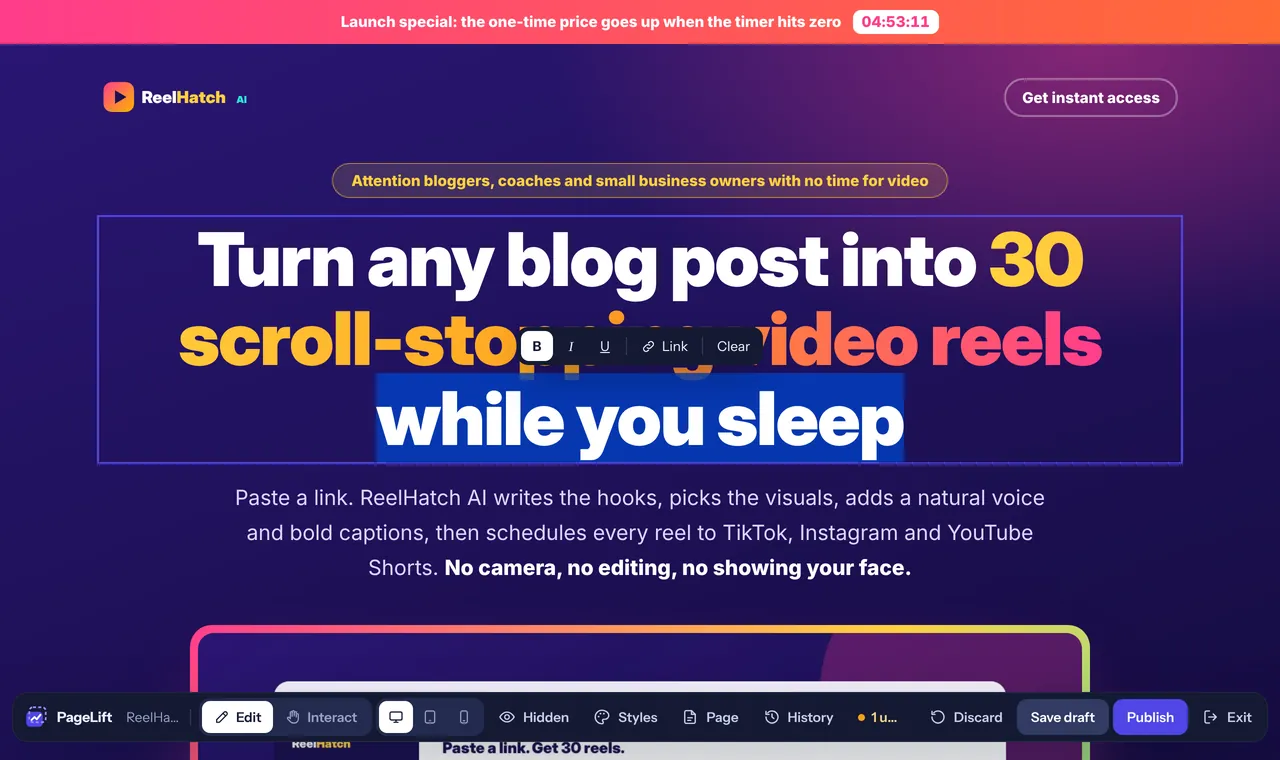
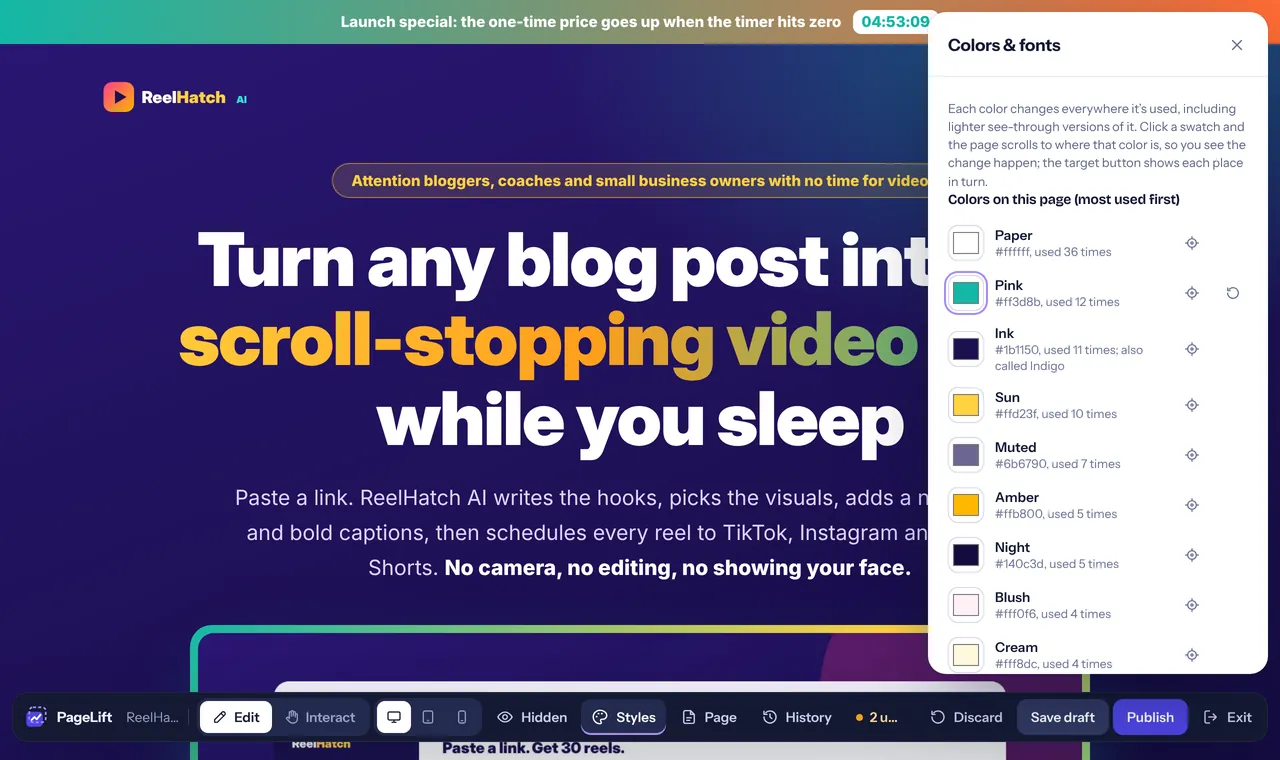
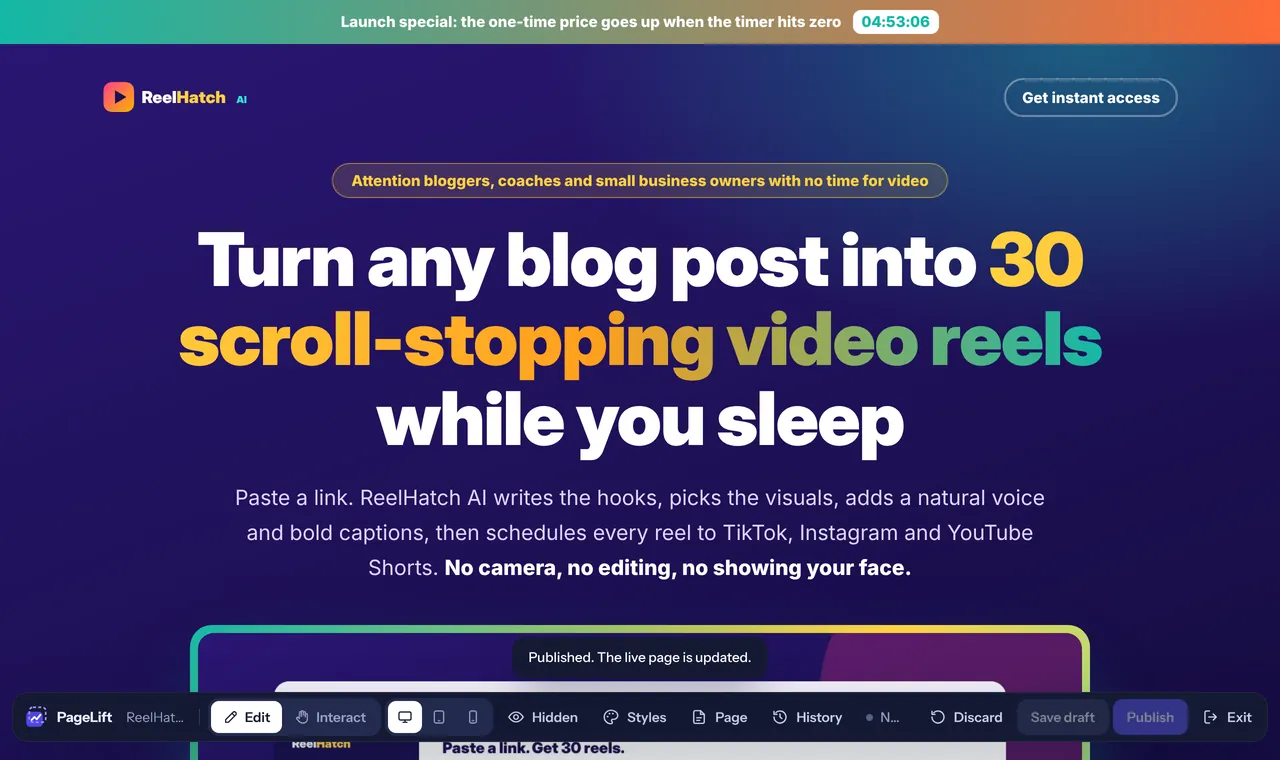
A sales page open in the PageLift editor, its headline outlined because the pointer is over it The headline's last words changed to 'while you sleep' and selected, with the bold, italic and link buttons above them The Colors & fonts panel: the pink of the page changed to teal, and the page shows it everywhere at once After Publish: the page with its new headline and color, and the note 'Published. The live page is updated.'
Real screenshots of the PageLift editor on a sales page made with an AI tool.
What do you want to try?

No page to hand? .

Your file stays in your browser: the preview WordPress runs on your computer, not on our server. App links are opened through our server only to build your preview; your app's files and pages are not kept. We keep your email, the app link you entered and the time, to run the preview and prevent misuse; we only send you tips and offers if you tick the box above. Without the tick, that record is deleted after 90 days; ask us any time and we delete it sooner. Works best in Chrome, Edge, Firefox or Safari on a computer. See our privacy policy.

  1. Your page goes in exactly as it is: same layout, fonts and colors.
  2. WordPress starts in your browser with PageLift Pro switched on.
  3. Click anything on your page to change it: text, images, buttons, sections.